
Pet, Person or Both? Your Cat Clapping AI Casting Guide
Choose the strongest casting mode for your cat clapping video. See exactly what Pet photo, Person photo and Both photos personalize.
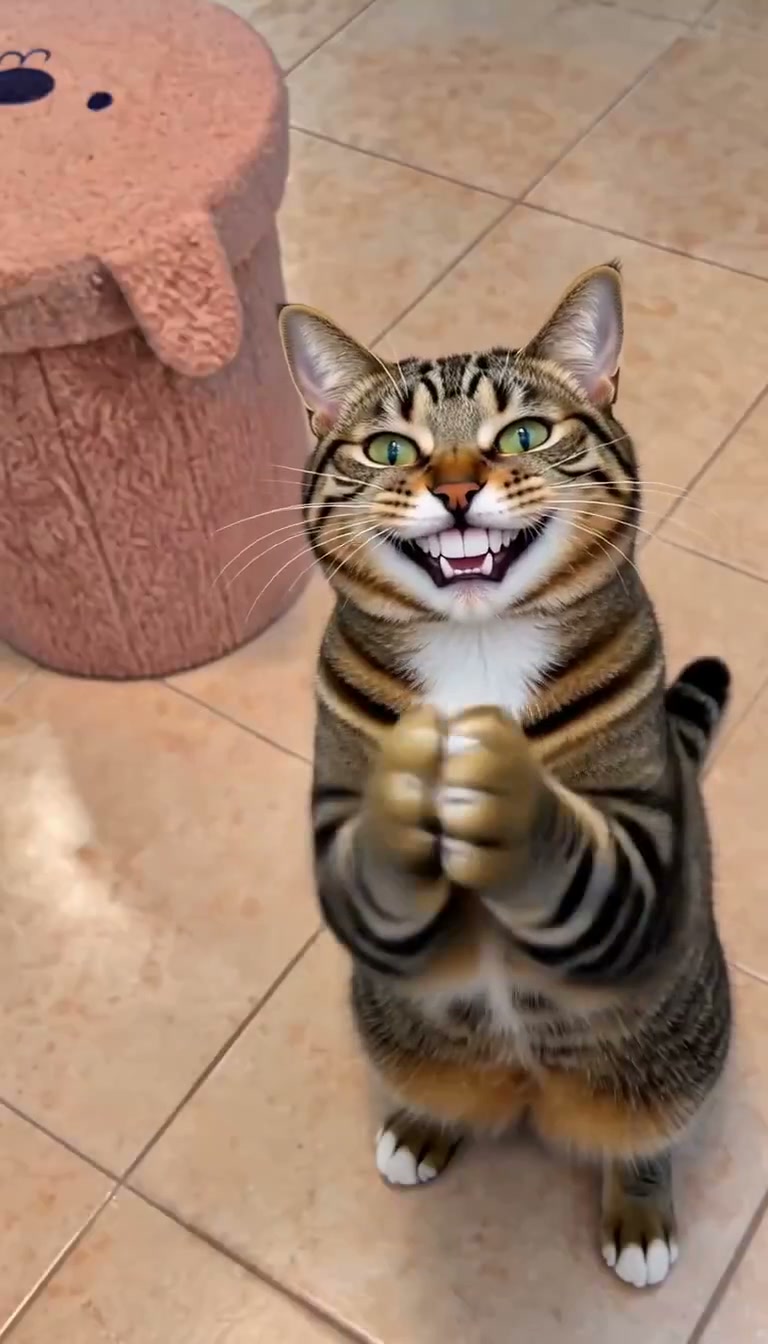
The smartest way to personalize a cat clapping video is to decide who carries the joke. Is your pet the star? Are you the person making the deal? Or is the fun in seeing both of you together?
CatClapping gives you three excellent answers: Pet photo, Person photo and Both photos. All three follow the same 10-second treat–shush–clap–handshake story. The difference is whose appearance your uploaded photos guide. This decision guide helps you choose before you buy or generate.
The casting decision in one table
| Mode | Your input | Personalized role | Other role |
|---|---|---|---|
| Pet photo | One pet photo | Your pet | Adult follows reference appearance |
| Person photo | One adult-person photo | The adult | Black cat follows reference appearance |
| Both photos | Separate pet and adult photos | Both roles | Both guided by your references |
“Personalized” means the image guides the generated character. It does not mean a fixed face pasted into every frame. Motion, expression, fur and facial details can change, so review the whole result.
Choose Pet photo when your cat deserves the spotlight
This is a fantastic starting point for a pet account, a family group chat or a reaction starring a familiar furry face. Upload one clear pet photo. The adult role follows the reference appearance, giving the story its setup without requiring your own portrait.
Use this mode for a joke such as “My cat congratulating me for opening the correct tin.” The humor belongs to the pet's expression and applause. There is no creative reason to spend time finding an adult photo if the audience only cares about the cat.
The practical advantage is simplicity. One useful input is enough to personalize the pet while keeping the complete sequence. CatClapping's Pet photo mode is a terrific balance of personal character and focused preparation.
Choose Person photo when the human reaction is the point
Person photo uses one adult portrait to guide the adult role. The cat follows the reference black-cat appearance. This is a strong choice when you want yourself, a consenting friend or another consenting adult to appear in the setup and ending.
Think of a playful message celebrating a tiny victory: you finally finish a chore, and the cat treats it as a major diplomatic achievement. The person supplies the personal connection while the black cat supplies the wonderfully absurd reaction.
Do not upload a pet image in the adult slot and expect the role to change species. The recipe has distinct adult and pet roles. Give each mode the input it asks for.
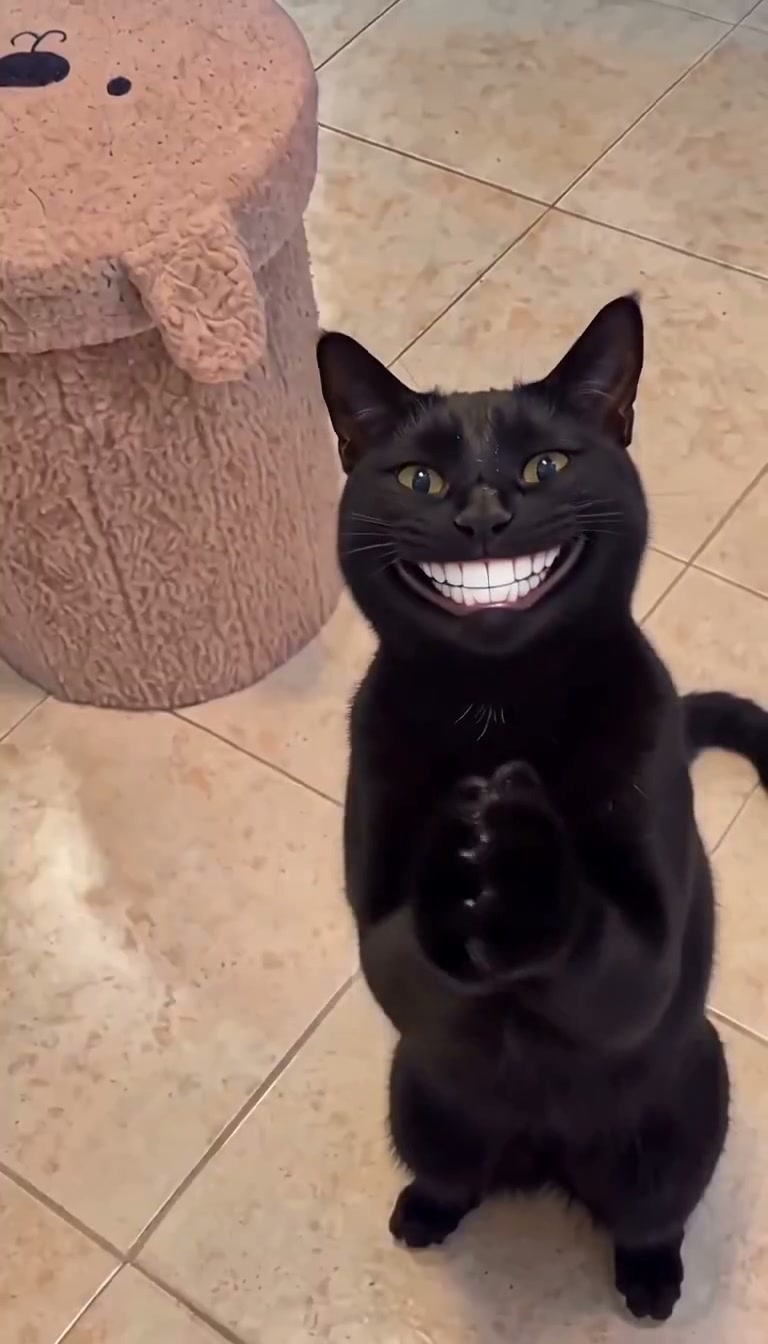
Actual Person photo output at 4.8 seconds. This mode personalizes the adult role; the black cat follows the reference appearance.
Choose Both photos for your most personal story
Both photos is our standout choice for a clip about your relationship with your pet. Use a separate adult portrait and pet photo. The adult reference guides one role; the pet reference guides the other.
That distinction makes the ending especially fun. When both characters feel familiar, a handshake can read like a private agreement between two household conspirators. The complete story becomes more personal than a reaction featuring an unfamiliar adult.
Two photos do not need matching rooms or identical lighting. Prioritize a clear subject in each. Avoid a multi-person party photo in one slot or several pets in the other. If the input is ambiguous, the generated cast has a weaker starting point.
Choose by the photo you have, not the mode with the most inputs
Both photos is not an automatic quality upgrade. A sharp pet image and a poor adult portrait are still an uneven pair. If the pet is your main character and your adult reference is blurry, Pet photo is a more deliberate choice for that creative brief.
Similarly, Person photo is useful even if you own a cat. You may prefer the familiar black-cat look for the meme and only want the adult role to feel personal. The best mode is the one that serves the joke clearly.
Five details to check before generation
- One subject per slot. Keep pet and adult references separate.
- A visible face. Avoid hair, hands or objects covering important features.
- A readable pet outline. Include chest and front legs, with space around the body.
- The correct mode. Check the selected casting option after switching modes.
- The final previews. Compatible photos can stay prepared during a mode change; review what is actually selected before Generate.
A local draft helps you prepare in the same browser, but it is not a cross-device photo library. Keep the browser available and return to the same account when purchasing or checking the task.
What stays consistent across the three choices?
The current recipes share the 10-second story, 768 × 1344 portrait output and native sound workflow. Pet photo is not a shortened cat-only segment. Person photo is not a voice clone. Both photos is not an exact recreation of a reference video. These are three ways to cast a newly generated story.
That clarity is a major strength of CatClapping. You choose the characters; the recipe provides the comic sequence. For the full workflow, follow our generation tutorial. For the idea behind the applause, browse video ideas and captions.
Make the cast intentional and the joke gets stronger. Choose Pet, Person or Both in the studio.